

#013 | 18 Feb 2026
In This Article
Main Story
Screen Load Performance: Why Your App Feels Slow Even with Fast APIs
Most teams measure screen speed using backend numbers.
If the API responds in 300 milliseconds, they assume the screen is fast.
But users never see your API. They only see what appears on the screen.
An app can launch instantly, scroll smoothly, and still feel slow if every screen shows a blank state before the content appears. From a system perspective, everything might be working correctly. From a user’s perspective, nothing is happening.
A useful way to think about this is a restaurant.
You sit down and place your order. The waiter walks away, and the table stays empty. No water. No bread. No appetizer. Five minutes pass. Then ten. Even if the kitchen is working efficiently, the experience already feels slow because there’s no signal of progress.
Now imagine a different restaurant.
You sit down, and within a minute, the waiter brings water. Then some bread. Maybe a small appetizer. The main course still takes the same amount of time, but the experience feels completely different. You’re engaged. You can start interacting with the meal. The wait feels shorter, even though the kitchen speed hasn’t changed. Mobile screens work the same way.
A blank screen with a spinner is an empty table.
A screen that shows structure, placeholders, or partial content feels faster because the user sees progress.
This is why metrics like First Meaningful Paint and Time to Interactive matter more than raw API response times. The first moment content appears builds trust. The moment the screen becomes usable enables action.
Most slow screens share the same problem: they try to do everything before showing anything. They fetch all the data, build the entire UI, and only then render the screen. The result is a long inactive state where the user has nothing to interact with.
Fast-feeling apps do the opposite. They render the layout immediately, show skeleton content, load critical data first, and progressively fill in the rest. The total load time might be the same, but the experience feels dramatically faster.
👇 Read the full breakdown Mobile App Onboarding: The First 5 Minutes That Decide Retention
Recent Blogs



What’s new in Digia?
A/B Experiments with Remote Config
This week, we published a walkthrough on how to run A/B experiments using Firebase Remote Config with Digia-powered apps.

Instead of hardcoding one onboarding flow, layout, or CTA, you can now test multiple variants in parallel and measure which version actually improves activation, retention, or conversions. The video shows how teams can connect Remote Config, define experiment variants, and control experiences without shipping a new app version.
This turns product decisions from opinions into measurable outcomes.
New onboarding copy, a different pricing screen, or a redesigned home layout can all be tested live, with real users, and rolled out instantly once a winner emerges.
Watch the full walkthrough: Run A/B Experiments using Firebase Remote Config with Digia.
News
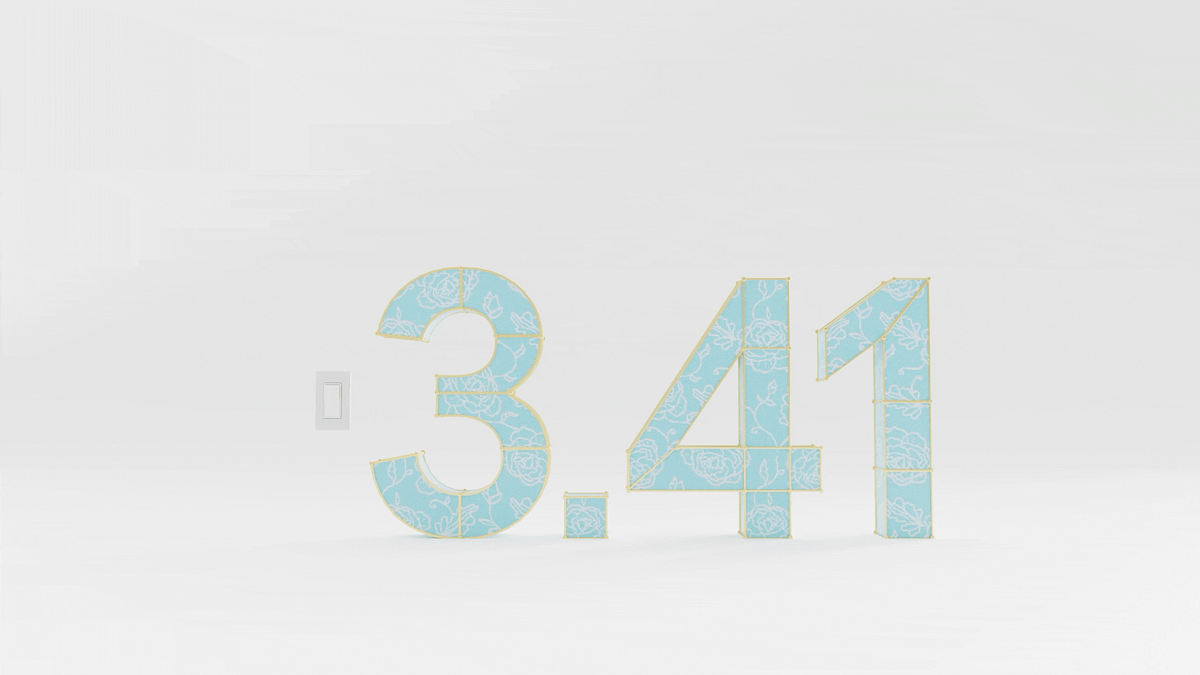
Flutter 3.41 focuses on modular updates and performance improvements
Flutter 3.41 brings a set of structural improvements rather than a single headline feature. The release introduces public release windows, giving teams clearer timelines for when features land in stable versions. It also continues the effort to decouple Material and Cupertino libraries from the core SDK, allowing design updates to ship independently without requiring a full framework upgrade.
On the performance and tooling side, the update includes synchronous image decoding for shaders, support for higher-quality GPU textures, and DevTools improvements. There are also practical changes like platform-specific assets to reduce app size, better add-to-app sizing, and ongoing alignment with platform standards such as Swift Package Manager and Android Gradle Plugin 9.
Socials